More mobile users in the Philippines are choosing an eSIM instead of a traditional plastic SIM card. A Smart eSIM is convenient, easy to install on compatible devices, and useful for people who want a digital mobile connection without inserting a physical SIM card.
If you want to Register a Smart eSIM, the process is simple when you have the required information and identification ready. This guide explains how Smart eSIM registration works, what you need, how to activate your eSIM, common problems, and important tips for new and existing Smart subscribers.
Register a Smart eSIM in the Philippines – Complete Guide 2026
Smart eSIM users need to follow the applicable SIM registration requirements before using their mobile services. Registration connects the mobile number with the subscriber’s verified identity.
What Is a Smart eSIM?
A Smart eSIM is a digital version of a traditional Smart SIM. Instead of inserting a removable plastic card into your phone, the eSIM profile is downloaded directly to your device.
The eSIM can provide access to Smart mobile services such as calls, text messages, and mobile data when installed on a compatible device. Some smartphones also allow you to use an eSIM together with another SIM for dual-SIM functionality.
Smart offers eSIM options for eligible prepaid and postpaid customers. Existing subscribers may also be able to upgrade an eligible physical Smart SIM to an eSIM.
Who Needs to Register a Smart eSIM?
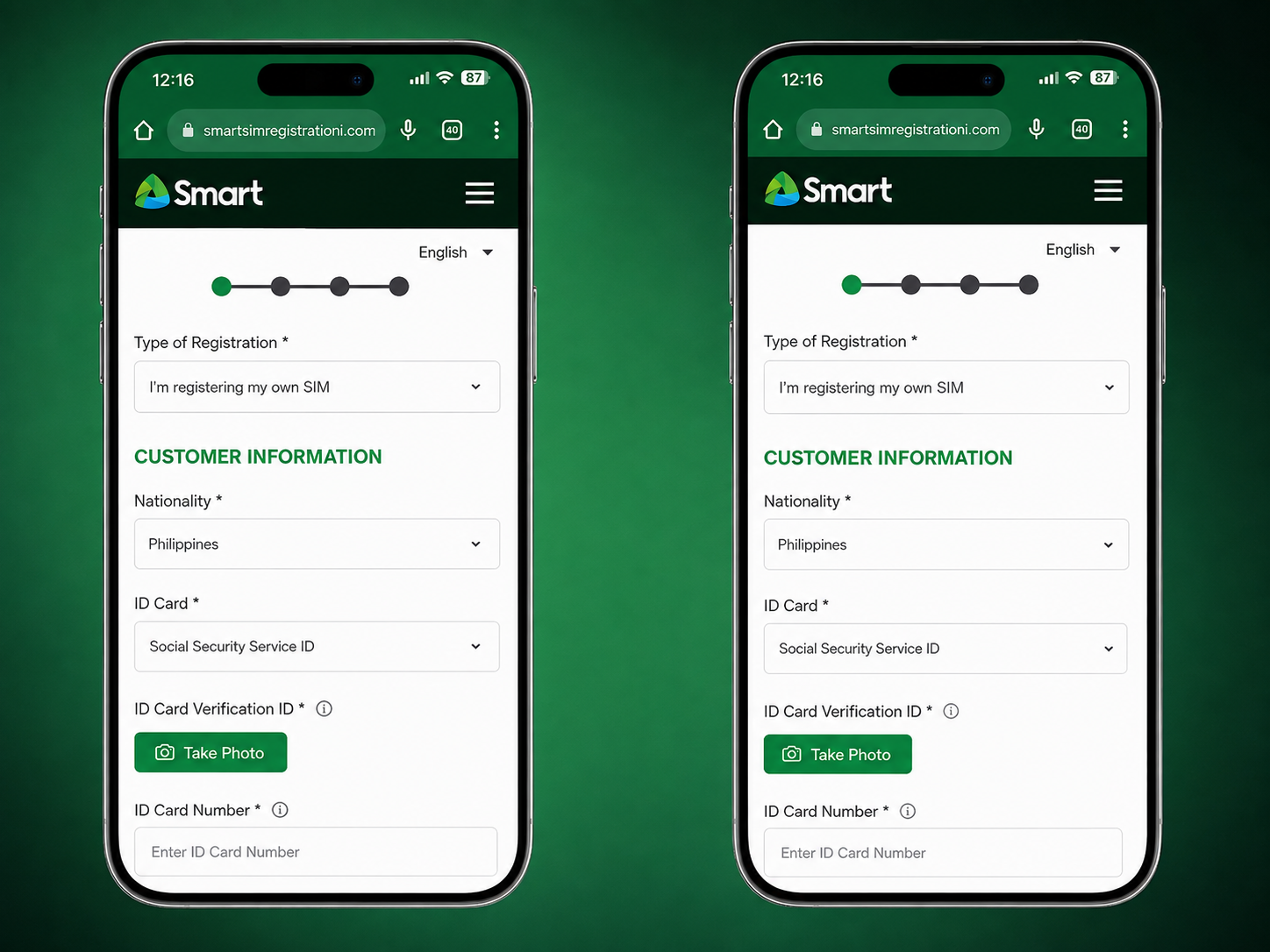
SIM registration requirements apply to Smart mobile subscribers using both physical SIM cards and eSIMs. You should complete the required registration when you get a new Smart eSIM or when your eSIM requires registration.
A Smart eSIM registration guide is especially useful for:
- New Smart Prepaid eSIM users
- Existing Smart subscribers upgrading to eSIM
- Customers activating a new Smart eSIM
- TNT subscribers upgrading an eligible SIM to eSIM
- Foreign visitors using a Smart eSIM in the Philippines
Smart eSIM Registration Requirements
Before you start the registration process, prepare the information and documents you may need. Having everything ready can make the process quicker and help prevent verification problems.
- Active Smart mobile number
- Full legal name
- Date of birth
- Sex
- Nationality
- Complete address
- Valid government-issued ID
- Selfie or identity verification photo when requested
- Stable internet connection
How to Get a Smart eSIM
The way you get a Smart eSIM depends on whether you are a new customer or already have a Smart mobile number.
Buy a New Smart Prepaid eSIM
New customers can purchase a Smart Prepaid eSIM through Smart’s available official channels, including the Smart Online Store and participating Smart locations.
Convert an Existing Smart SIM to eSIM
If you already have a Smart physical SIM, you may be able to upgrade the existing line to an eSIM through Smart’s supported upgrade process. Your eligibility and the exact procedure can depend on your Smart account and device.
Convert a TNT SIM to eSIM
Eligible TNT subscribers may also upgrade a physical TNT SIM to eSIM through Smart’s available process.
For more information, read our TNT SIM Registration Guide .
How to Register a Smart eSIM
Once your Smart eSIM is installed and your mobile number is ready, you can proceed with registration. Follow each step carefully.
Step 1: Install Your Smart eSIM
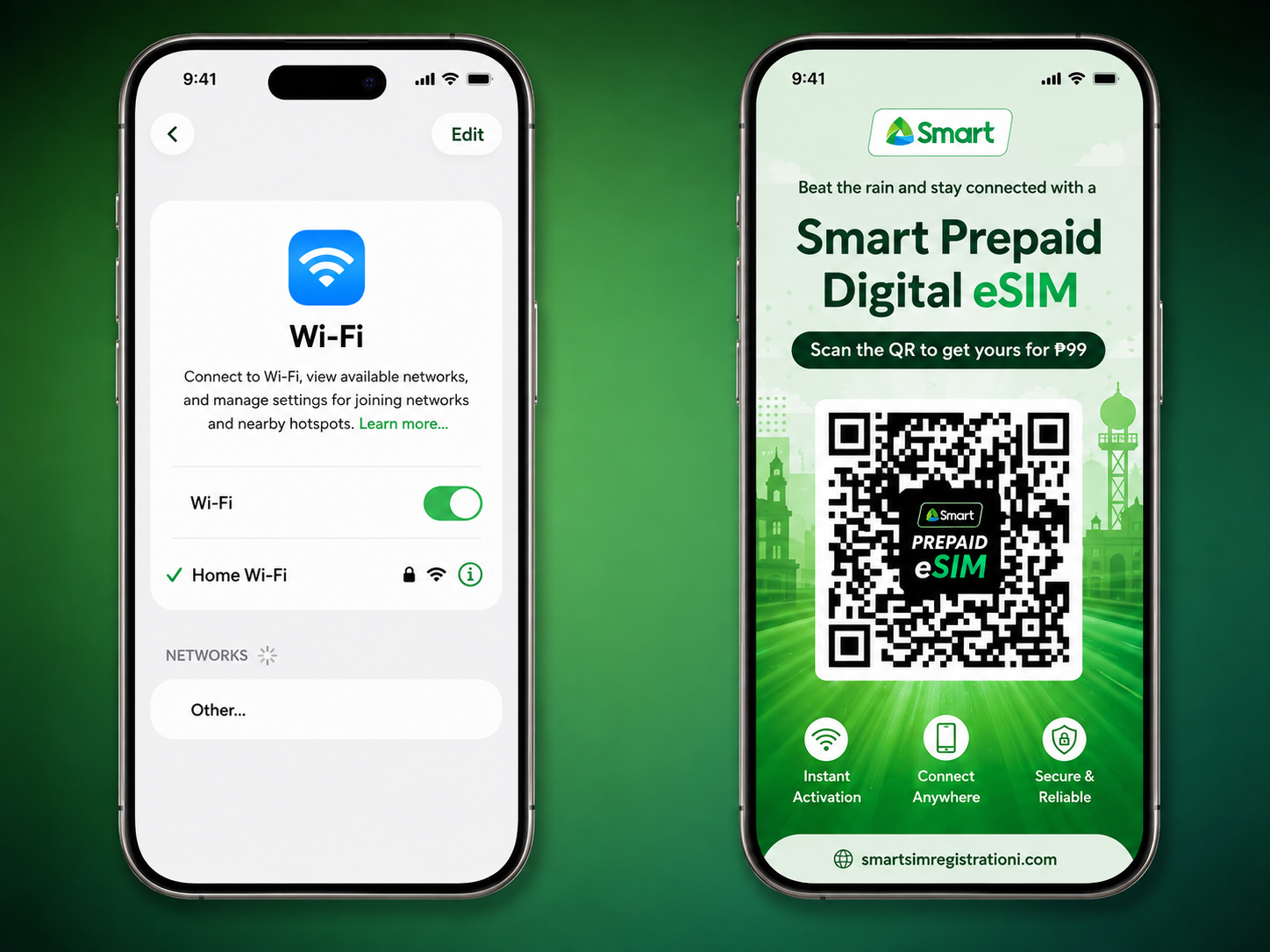
Connect your compatible phone to Wi-Fi or another reliable internet connection. Use the unique QR code provided for your Smart eSIM and follow your phone’s instructions to install the eSIM profile.
Step 2: Check Your Smart Number
After installation, open your phone’s SIM or cellular settings and confirm that your Smart eSIM appears correctly. Check that the Smart line is active and connected to the network.
Step 3: Open the Smart SIM Registration Portal
Visit the official Smart SIM registration portal:
Always make sure you are using the official Smart registration website. Avoid entering your personal information on unknown websites or suspicious links.
Step 4: Enter Your Smart Mobile Number
Enter the mobile number connected to your Smart eSIM. Double-check the number before continuing with the verification process.
Step 5: Verify Your OTP
Request the One-Time Password (OTP) and enter the verification code sent to your Smart number. If the OTP does not arrive immediately, wait a little before requesting another code.
Step 6: Enter Your Personal Information
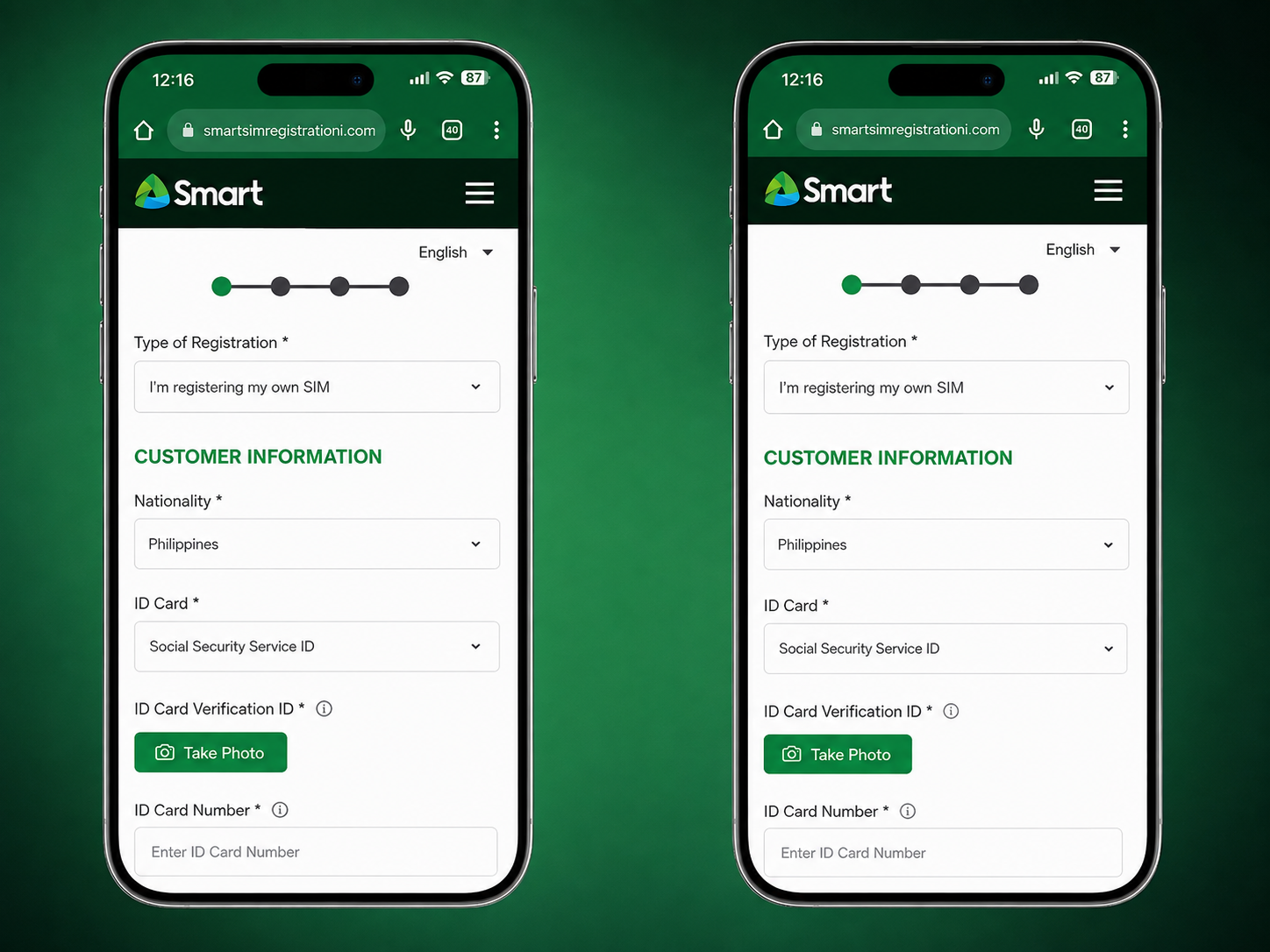
Complete the registration form using your real and accurate information. You may need to provide your full name, date of birth, sex, nationality, and complete address.
Step 7: Upload Your Valid ID
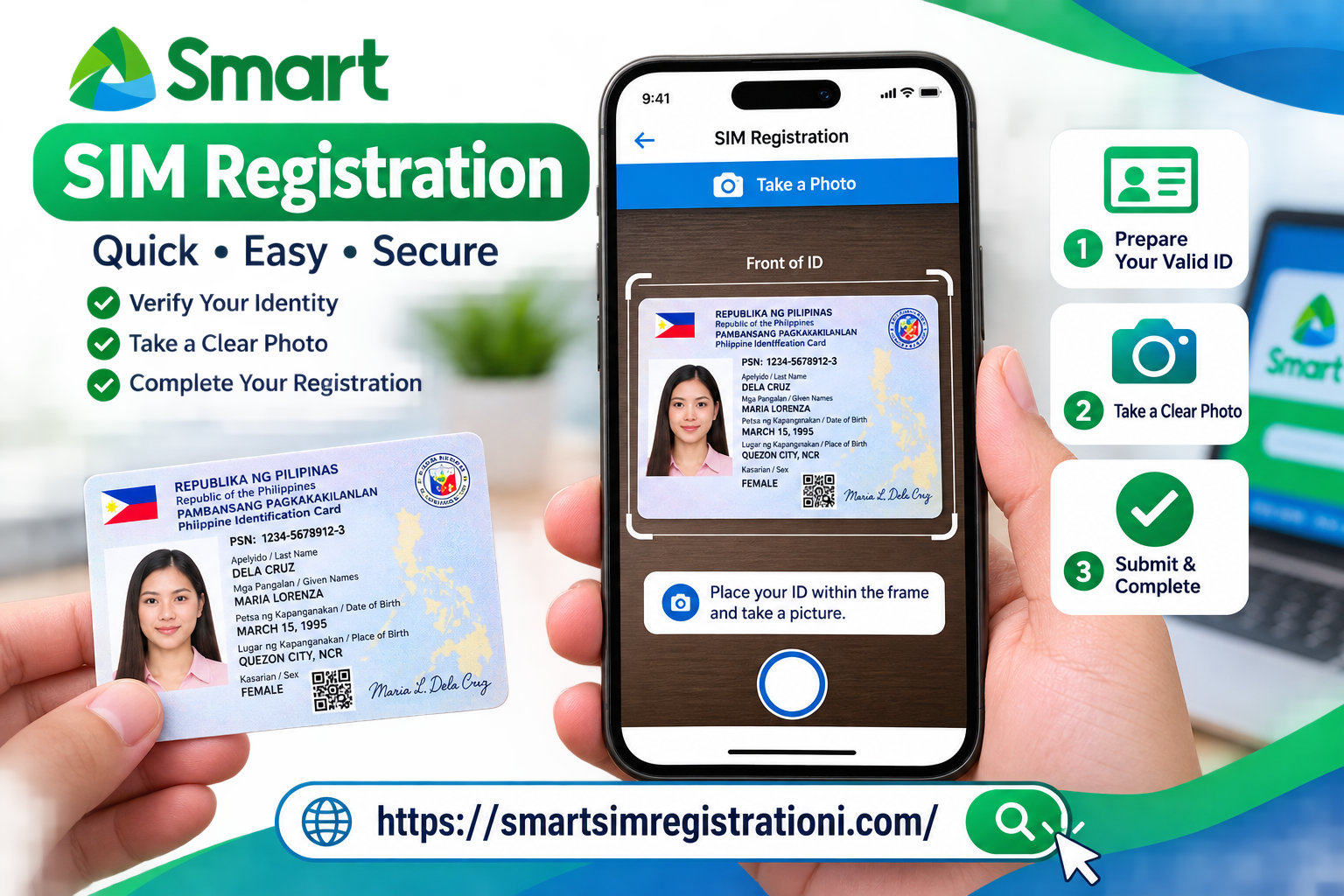
Upload a clear image of your accepted identification document. Make sure your ID is completely visible and that important information such as your name and photograph can be read clearly.
Step 8: Complete Identity Verification
If the registration system requests a selfie or additional identity verification, follow the instructions shown on the screen. Use good lighting and make sure your face is clearly visible.
Step 9: Review Your Information
Carefully review your personal information before submitting the registration. Check your name, date of birth, address, nationality, and mobile number for mistakes.
Step 10: Submit Your Registration
Accept the required terms and submit the registration form. If a confirmation or reference number appears, save it for your records.
How to Activate a Smart eSIM
After receiving your Smart eSIM QR code, you can install the eSIM on a compatible smartphone. The exact settings can vary depending on your phone model.
Activate Smart eSIM on Android
- Connect your Android phone to Wi-Fi.
- Open Settings.
- Open your SIM or mobile network settings.
- Select the option to add an eSIM or mobile plan.
- Choose the QR-code scanning option.
- Scan your Smart eSIM QR code.
- Follow the on-screen instructions.
- Wait for the eSIM installation to finish.
Activate Smart eSIM on iPhone
- Connect your iPhone to Wi-Fi.
- Open Settings.
- Tap Cellular or Mobile Service.
- Select Add eSIM.
- Choose the QR-code option.
- Scan your Smart eSIM QR code.
- Follow the instructions shown on your screen.
- Wait until the eSIM installation is completed.
Is Your Phone Compatible With Smart eSIM?
Your smartphone must support eSIM technology before you can install a Smart eSIM. Compatibility depends on the exact phone model and sometimes the software or regional version.
One simple way to check eSIM capability is to dial *#06#. On supported devices, you may see an EID number in addition to other device information.
Smart eSIM Registration for Foreigners and Tourists
Foreign visitors using a Smart SIM or eSIM in the Philippines must follow the applicable SIM registration requirements.
Tourists should prepare their passport and any additional information required for their registration status. Depending on the visitor’s circumstances, additional proof of local accommodation or travel information may be requested.
For a complete Smart registration guide, visit: Smart SIM Registration Methods .
Common Smart eSIM Registration Problems
OTP Not Arriving
Make sure your Smart eSIM has a network connection and that the mobile number you entered is correct. If you request several OTPs quickly, wait a few minutes before trying again.
Smart eSIM QR Code Not Working
Make sure the QR code is clear and completely visible. Avoid using a damaged or previously used QR code. If the eSIM was already installed or the QR code no longer works, contact Smart through its official support channels.
ID Rejected
An unclear ID image can cause verification problems. Take the photo in good lighting, avoid glare, keep the document flat, and make sure all important information is readable.
eSIM Will Not Install
Check whether your phone supports eSIM and make sure you have a stable internet connection. If the problem continues, contact Smart support for assistance with your eSIM profile.
Other SIM Registration Guides
If you are looking for registration information for another mobile network in the Philippines, check these guides:
- Smart SIM Registration Methods
- TNT SIM Registration
- Globe SIM Card Registration
- DITO SIM Registration
- TM SIM Registration
Benefits of Using a Smart eSIM
- No physical SIM card: Your mobile profile is stored digitally on your compatible device.
- Easy installation: A QR code can be used to install the eSIM.
- Dual-SIM convenience: Compatible phones can support multiple mobile lines.
- Easy upgrade: Eligible Smart subscribers can upgrade from physical SIM to eSIM.
- Travel friendly: eSIM technology can be convenient for travelers.
Frequently Asked Questions About Smart eSIM
Can I keep my existing Smart number when switching to eSIM?
Yes. Eligible Smart subscribers can upgrade an existing physical Smart SIM to an eSIM while keeping the same mobile number, subject to Smart’s current eligibility and upgrade process.
Do I need to register my Smart eSIM if my Smart SIM was already registered?
If you are upgrading an already registered Smart number from a physical SIM to eSIM, you are upgrading the existing line rather than creating a new number. Follow Smart’s current eSIM upgrade instructions and complete any verification requested.
Can I use Smart eSIM on an unlocked phone?
Smart eSIM can be used on compatible devices that support eSIM technology. Make sure your phone is compatible before purchasing or installing an eSIM.
Can I use Smart eSIM with another SIM?
Many modern smartphones support dual-SIM functionality, allowing an eSIM to be used alongside another SIM. The exact configuration depends on your phone model.
Can I move my Smart eSIM to another phone?
Do not assume that an old Smart eSIM QR code can simply be reused on another phone. eSIM transfer or replacement depends on Smart’s current process and your device. Follow Smart’s official instructions when changing phones.
How many eSIMs can I install on my phone?
The number of eSIM profiles a phone can store depends on the device model. The number of eSIMs that can be active at the same time also depends on the phone.
Final Thoughts
Learning how to Register a Smart eSIM is easy when you prepare your personal information, valid ID, compatible smartphone, and internet connection before starting. The most important thing is to use the official Smart registration process and carefully review your information before submitting it.
Whether you are purchasing a new Smart Prepaid eSIM or upgrading an existing Smart number, following the correct registration and activation steps can help you get your Smart eSIM working without unnecessary delays.